
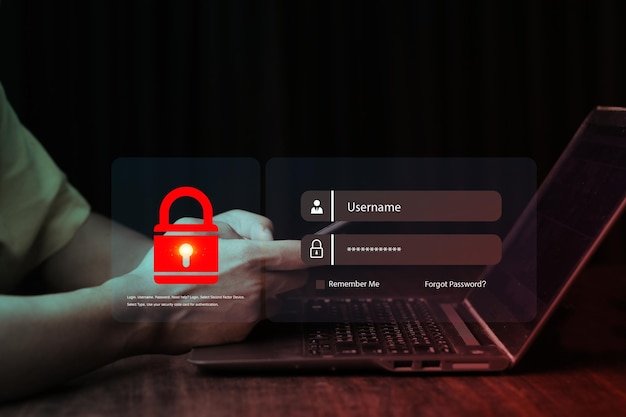
In 2026, staying safe online is more important than ever. With over 5.5 billion internet users worldwide and a rise in AI-driven scams, cybercrime has hit record levels. Reports show that 74% of data breaches in 2024 were caused by human error—such as clicking fake links, using weak passwords, or ignoring updates.
Fortunately, there are simple and effective ways to protect yourself.
Whether you’re a student, remote worker, or casual internet user, these 10 proven ways to stay safe online will help you protect your personal data and digital identity.
1. Use Strong and Unique Passwords

In 2026, hackers use AI tools that can crack common passwords in seconds.
Tip: Use passwords with at least 12 characters, mixing upper/lowercase letters, numbers, and special characters.
Avoid passwords like password123, qwerty, or your birthdate.
Try this: Use password managers like Bitwarden or NordPass to generate and save strong passwords securely.
2. Turn On Two-Factor Authentication (2FA)

Two-Factor Authentication adds a second layer of protection during login.
Even if someone has your password, they can’t access your account without a verification code sent to your device.
Recommended apps include Google Authenticator, Authy, and Microsoft Authenticator.
According to Google, 2FA blocks nearly all automated hacking attempts and most phishing attacks.
3. Be Careful When Clicking on Links

Phishing scams in 2026 have become highly convincing, often imitating trusted brands.
Watch out for:
-
Messages with urgent alerts like “Your account is suspended”
-
Emails from unknown addresses
-
Spelling or grammar mistakes
When in doubt, go directly to the official website instead of clicking links.
4. Use a Free VPN on Public Wi-Fi
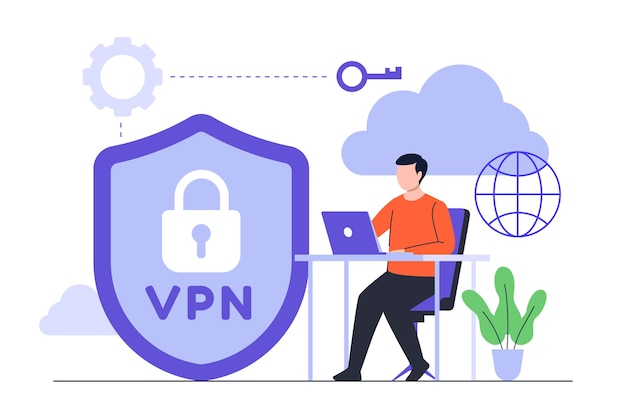
Public Wi-Fi in airports, hotels, or cafés can expose you to hackers who monitor network activity.
One of the most important tools in 2026 is a free VPN, which encrypts your internet connection and hides your IP address. This helps prevent data theft and tracking.
Free and secure VPN services include:
-
VeePN
-
ProtonVPN
-
Windscribe
- Planet VPN
- vpnly.com
Always use a VPN when entering sensitive information on public networks.
5. Keep Your Devices and Software Updated
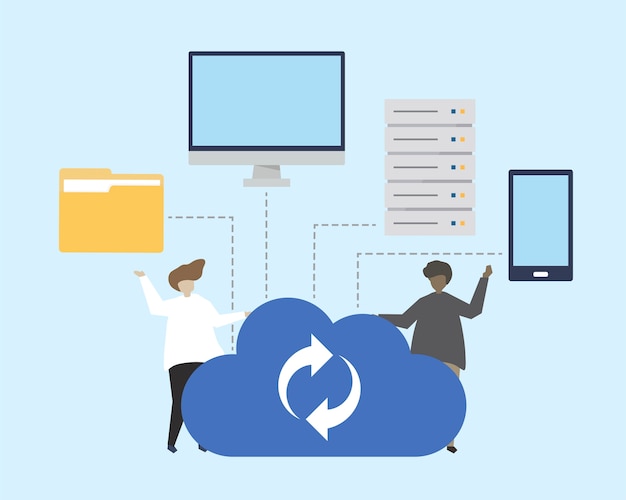
Outdated apps and systems are easy targets for hackers.
In 2024, over 60% of ransomware attacks targeted unpatched software.
Make sure to:
-
Update your operating system (Windows, macOS, Android, iOS)
-
Keep browsers and antivirus tools current
-
Enable automatic updates wherever possible
Security patches fix known vulnerabilities, so don’t skip them.
6. Be Careful What You Share on Social Media

Oversharing can lead to stalking, scams, and identity theft.
Estimates suggest that over 30% of digital fraud begins by gathering data from social profiles.
Avoid posting:
-
Real-time locations
-
Your full birthdate or home address
-
Vacation plans or personal routines
Always review and tighten your privacy settings on apps like Instagram, Facebook, and X.
Read Also: Top 10 Solar Energy Companies: Reviews, Costs & Global Guide
7. Use Antivirus and Firewall Protection

Cyber threats often come from files, websites, or ads that appear harmless.
Reliable antivirus options for 2026 include:
-
Malwarebytes
-
Bitdefender
-
Microsoft Defender (built-in for Windows)
Don’t forget to enable your firewall—it prevents unauthorized access to your device and network.
8. Review App Permissions

Many mobile apps request access to features they don’t need, such as your microphone, camera, or location.
To reduce your risk:
-
Go to settings and review permissions monthly
-
Revoke unnecessary access
-
Delete unused apps that collect data in the background
Modern phones now alert you when an app uses sensitive functions.
9. Back Up Your Data Regularly

Losing your data due to malware, hacking, or hardware failure can be devastating.
Use these backup solutions:
-
Cloud storage like Google Drive, OneDrive, or iCloud
-
External hard drives or SSDs
Schedule automatic backups weekly or monthly. For extra safety, maintain both an offline and a cloud-based backup.
10. Stay Informed About the Latest Scams

Cybercrime changes constantly. New threats in 2026 include deepfake scams, AI-generated support calls, and fake investment schemes.
Stay updated by:
-
Subscribing to CyberNews, BleepingComputer, or TechRadar Security
-
Visiting official sources like CyberAware.gov or the FBI IC3
-
Following cybersecurity experts on YouTube or LinkedIn
Being informed helps you recognize and avoid emerging digital threats.
The Official UK Advice, In Six Steps
Before any product recommendation, it is worth knowing what the UK’s own cyber security agency actually tells people to do. The National Cyber Security Centre, part of GCHQ, runs a public campaign called Cyber Aware with six actions: use a strong, separate password for your email account, install software and app updates, turn on two-step verification, use a password manager, back up your important data, and build passwords from three random words. That last one is deliberately simple advice and it works, because length defeats cracking far more effectively than swapping letters for symbols does.
Why Your Email Account Comes First
Of those six, one matters more than the rest and it is the one people think about least. Your email account is the master key to everything else you own online, because almost every other service will send a password reset to it. Someone with access to your inbox does not need your banking password; they can ask the bank to issue a new one. That is why the advice singles out email for a strong and separate password, and why email is the account that most deserves the strongest second factor you are willing to use.
Passkeys Are Replacing Passwords
The biggest change in personal security in the last two years is one most guides have not caught up with. A passkey replaces a password with a cryptographic key stored on your device and unlocked by your fingerprint, face or device PIN. Because nothing reusable is typed in and nothing is sent to the website, a passkey cannot be phished, reused across sites or stolen in a data breach. Google, Apple, Microsoft, Amazon and a growing list of banks now support them. Where a service offers a passkey, switching to it is the single largest security improvement available, and it takes about a minute.
Not All Two-Factor Is Equal
Turning on two-step verification is good advice, and the method you choose changes how much protection you actually get. A code sent by SMS is far better than nothing and is the weakest option, because SIM-swap fraud transfers your number to an attacker’s phone. An authenticator app generating codes on your device is considerably stronger. A physical security key, or a passkey, is stronger again and is effectively immune to phishing. If you upgrade only one account from SMS to an app or a key, make it the email account, for the reason described above.
How To Judge Any VPN Before Installing It
A VPN encrypts traffic between your device and the provider’s server, which protects you on an untrusted network, and it also means the provider can see traffic your internet company otherwise would. That makes who runs it the whole question. The things worth checking are whether it keeps connection logs and whether that claim has been examined by an independent audit, what country it operates from and therefore what it can be compelled to hand over, and how it is funded. Services that cost nothing still have costs, and it is reasonable to establish how they are met before granting one visibility of your traffic.
Where A VPN Does Not Help
It is equally worth knowing the limits, because VPNs are marketed as general-purpose safety and are not. A VPN does not stop you being phished, because the fraudulent email still arrives and the fake login page still works. It does not stop malware. It does not prevent a website you log into from identifying you, since you have just told it who you are. And it does not protect data already stolen in a breach. It solves one specific problem, which is an untrusted network between you and the internet. Most of the risk people actually face sits elsewhere.
Reporting Scams In The UK
Britain has specific reporting routes and using them takes seconds. Suspicious emails can be forwarded to the NCSC’s Suspicious Email Reporting Service at report@phishing.gov.uk, and the NCSC explains the process on its page on reporting a scam email; it has been used to take down millions of malicious web pages. Scam text messages can be forwarded free to 7726, which spells SPAM on a keypad, and your network investigates the sender. Fraud and cyber crime are reported to Action Fraud, which is the national reporting centre for England, Wales and Northern Ireland, with Police Scotland handling reports in Scotland.
What To Do If An Account Is Already Compromised
Speed matters more than perfection here, and the order is what counts. Change the password on the affected account, then change it on the email account linked to it, then on anywhere you reused that password, which is the step most people skip and the one attackers rely on. Sign out all other sessions from the account’s security settings. Check for forwarding rules or recovery addresses you did not add, since attackers commonly leave those behind to keep access. Then turn on the strongest second factor available. If money is involved, contact the bank first, before anything else.
Reading Security Advice Critically
One habit is worth more than any product: check who benefits from the advice. A great deal of online security writing exists to sell a subscription, which does not make the advice wrong but does explain what gets emphasised and what gets left out. Guidance from the NCSC, from banks’ own fraud pages and from consumer organisations has no product attached. For readers thinking about the systems side of this rather than the personal side, our guide to AI orchestration covers the governance and access questions that arise when software starts acting on your behalf.
For a worked example of a common scam, see our Snaptroid review.
Final Thoughts
Online safety isn’t about doing one big thing—it’s about small, smart habits.
These 10 proven ways to stay safe online in 2026 are practical and easy to follow. Whether it’s updating your passwords, turning on 2FA, or using a free VPN, each action adds a layer of protection.
Start today. Be aware, stay secure, and protect what matters most—your privacy.
FAQs: Stay Safe Online in 2026
1. Why is online safety important in 2026?
Because scams and hacking are happening more now.
2. What can I do to protect my accounts?
Turn on 2FA to add extra safety.
3. Can I use a free VPN on public Wi-Fi?
Yes, it helps keep your internet safe.
4. When should I update my phone or apps?
Update them as soon as you see a new version.
5. What should I not share on social media?
Don’t post your location, address, or travel plans.